
Guided mode
Plain-language questions, one section at a time, with help for each line.
MOBILE APPS
PDFFormly for iPhone, iPad and Android. Pick a form such as W-9, I-9 or a 1099, answer one step at a time or work on the PDF itself, then sign and download the finished PDF.
Free to fill and preview. Pay only when you download.
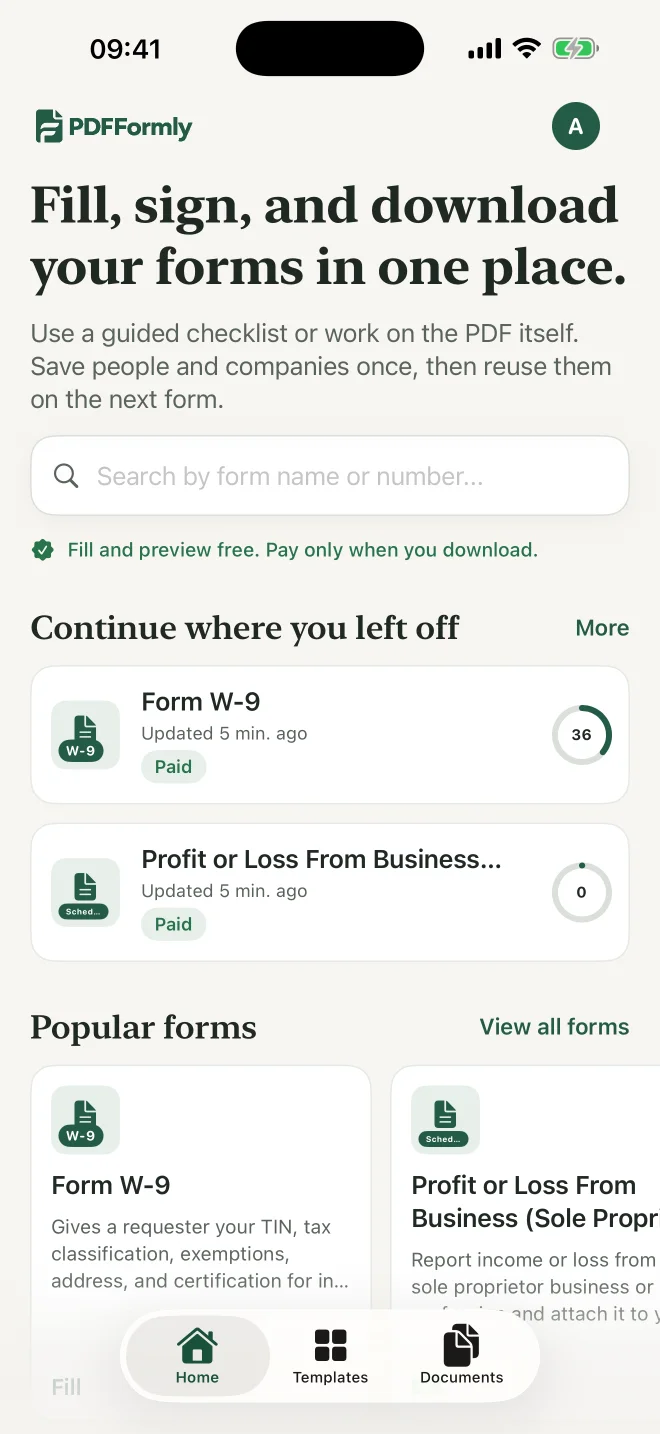
Plain-language questions, one section at a time, with help for each line.
Tap right on the official form to add text, dates, check marks, highlights and your signature.
Draw your signature, type it in a handwriting font or use a photo, and save it for next time.
Save their details once, and matching fields on the next form are filled for you.
Send a document to others to sign, or ask a vendor to fill out a W-9 and get it back completed.
Drafts sync with pdfformly.com, so you can start on your phone and finish on your laptop. An optional app lock keeps your documents private.
Find a form
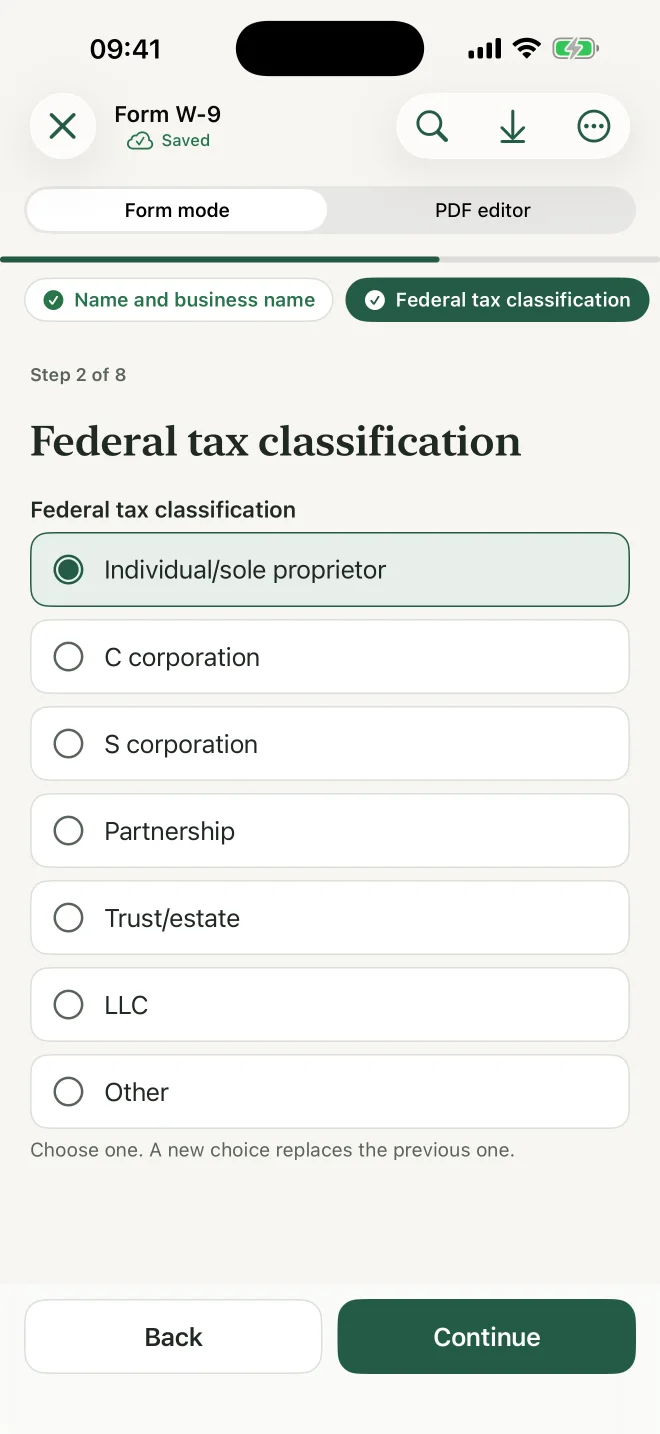
Answer step by step
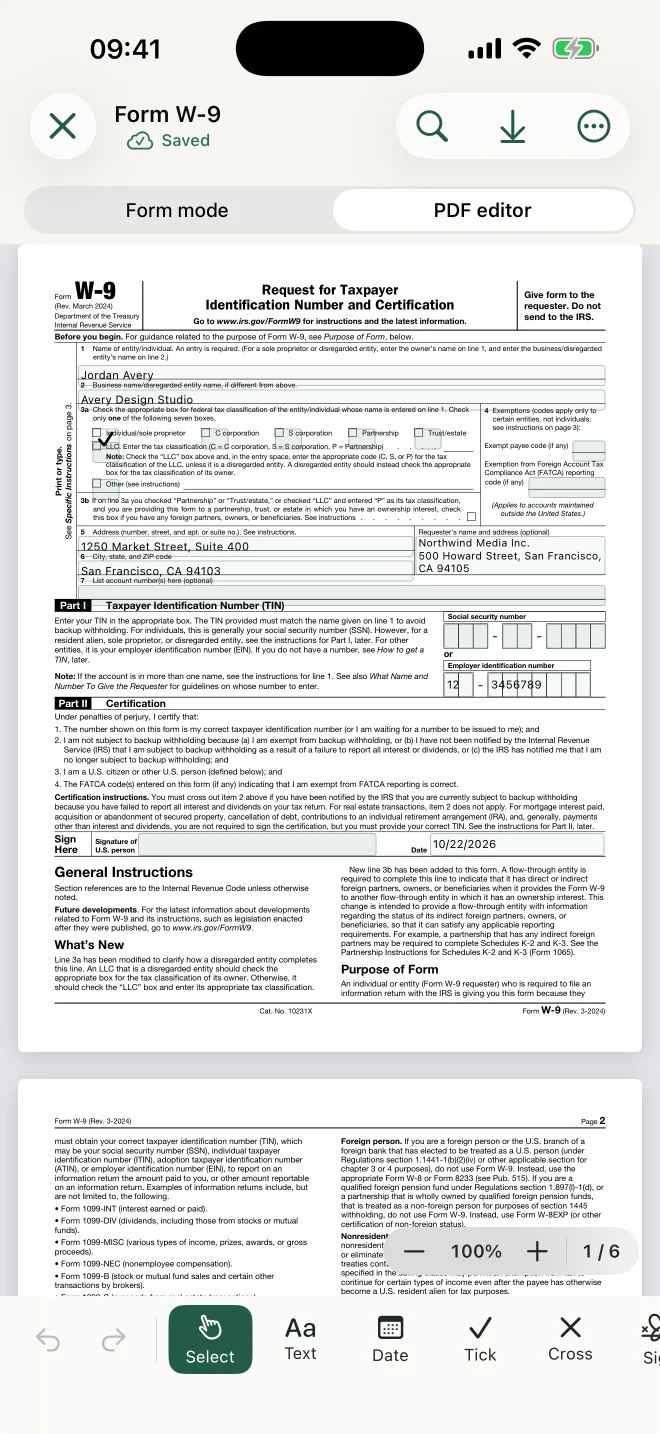
Work on the PDF

Sign
Sample data for illustration.
Free to fill and preview. Pay only when you download.
Filling and previewing are free. Downloading a finished PDF needs a single-document purchase or a plan. See pricing
Prefer to fill forms in a chat? PDFFormly in ChatGPT